
Growth ·
How to Track Your Grocery Total While You Shop
Use a running cart total to stay within your grocery budget, check sale tags, and estimate what you’ll spend before checkout.
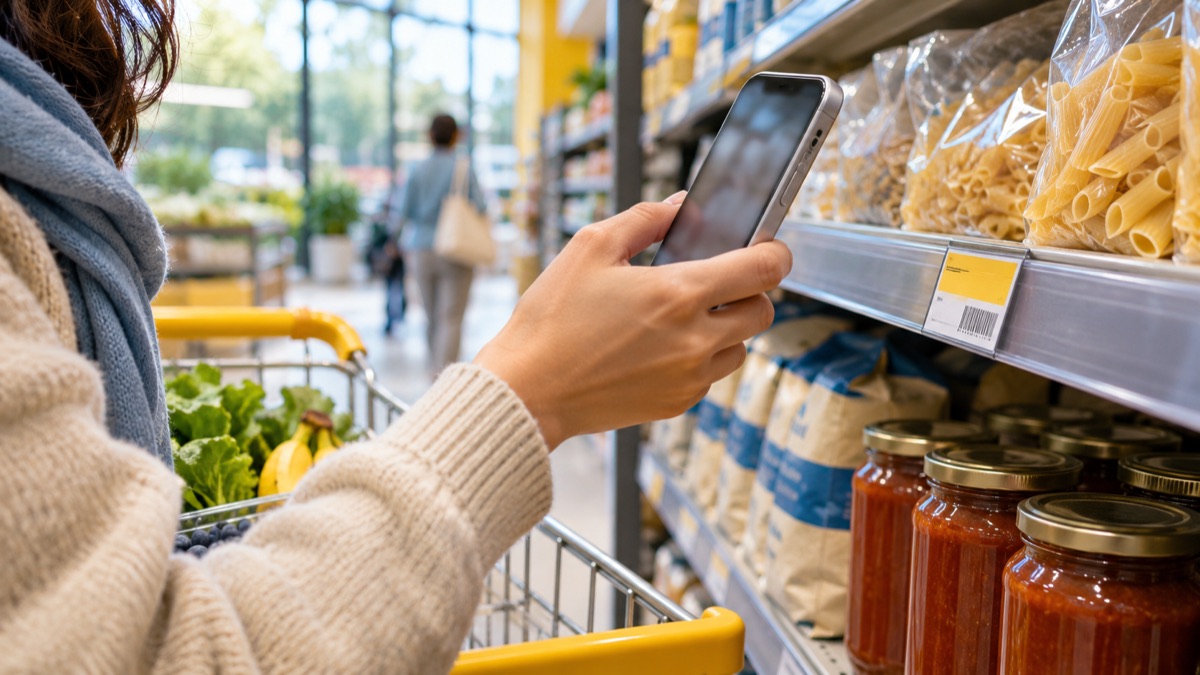
You put milk and eggs in the cart, grab two things on sale, then add rice because you’re running low. Each price looked reasonable on the shelf. The surprise comes when the cashier adds them up.
A running total gives you time to make a choice while you’re still in the aisle. You can keep one on your phone’s calculator or use a grocery shopping calculator that lets you edit the items in your cart.
Set a trip limit before you start
Decide what you can spend on this trip. If your budget is ₱1,000, you might aim for a shelf-price subtotal of ₱950 so there’s room for a price difference or an item you forgot. The buffer is part of your budget.
Put the items you need most in your cart first. It’s easier to decide whether to buy a snack when you can see what’s left after the staples.
Add items when they go in the cart
Enter the price you expect to pay and multiply it by the quantity. If eggs cost ₱120, rice costs ₱260, and you grab two cartons of milk at ₱95 each, your estimated subtotal is ₱570. That leaves ₱430 on a ₱1,000 budget.
Update the total if you swap brands or put something back. If you use a plain calculator, write down each line in a note so you can reconstruct the total if you lose your place.
Check the conditions on sale tags
A shelf label can show a regular price, a member price, or a deal that requires buying several units. Use the price you qualify for. If a sign offers two for ₱150 and you only want one, check whether the store will charge ₱75 or its usual single-item price.
For items sold by weight, multiply the price per kilogram by the estimated weight. For example, 0.75 kg at ₱160 per kilogram comes to about ₱120. The checkout scale can move that number a little.
Make one decision before you join the queue
If you’re over budget, look at the biggest flexible item first. You might swap a large pack for a smaller one, skip an extra, or buy a different brand. Check the price per unit when comparing pack sizes, then choose the size you’ll actually use.
Compare the estimate with the receipt afterward. If one item came in higher, check its quantity, sale conditions, or the shelf tag you used. That small habit makes the next trip easier to estimate.
Try it with your phone
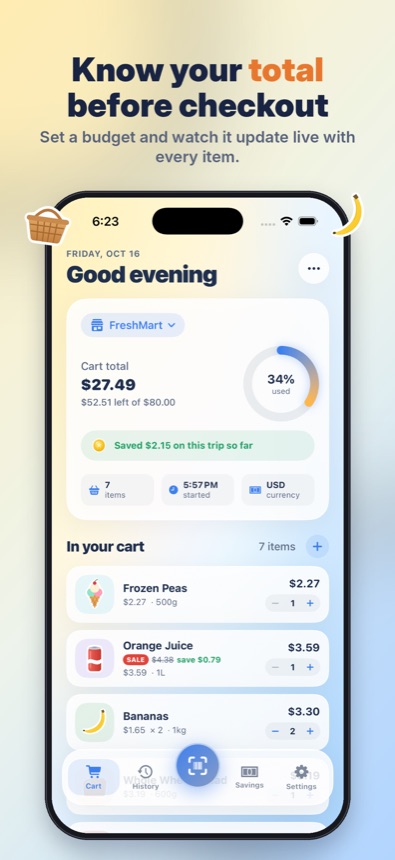
Grocery Cart AI is designed to keep this running estimate on your iPhone. Scan a shelf tag, confirm the price, and check what’s left in your trip budget. You can add an item manually if the tag is missing or unclear. Over time, the prices you record can help you compare the staples you actually buy.
← All posts