
Grocery budgeting · iPhone
Grocery Cart:
Price Tracker
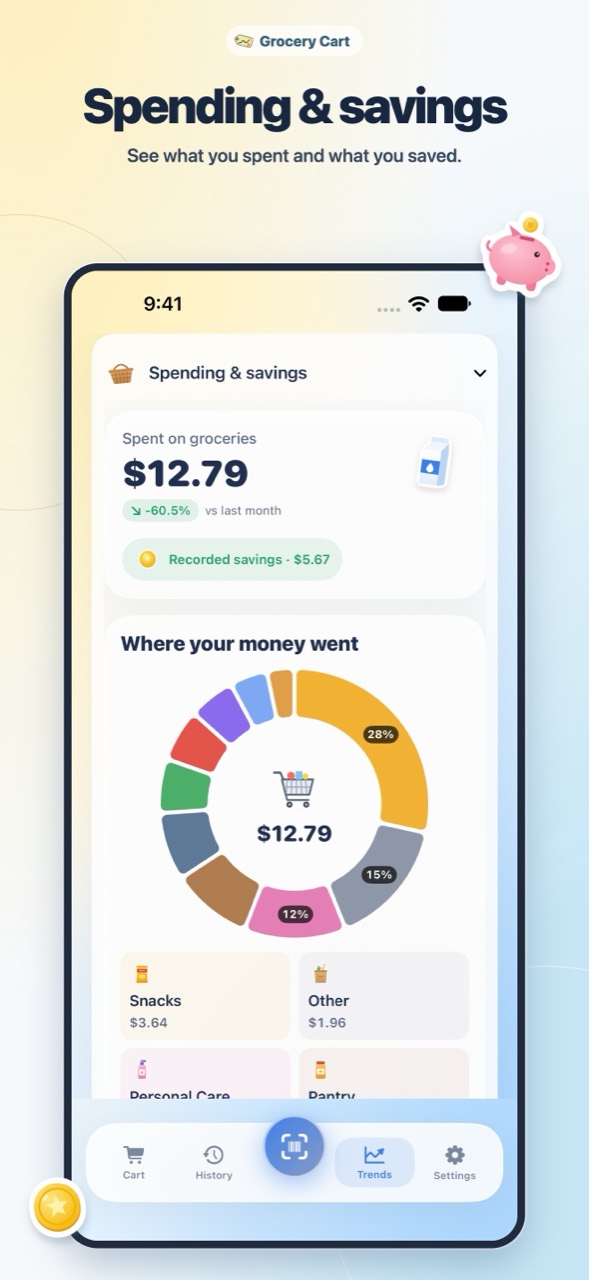
Scan shelf prices and follow your cart total as you shop. Open Trends to review spending, recorded savings, and how prices change for the groceries you buy.
Inside the app
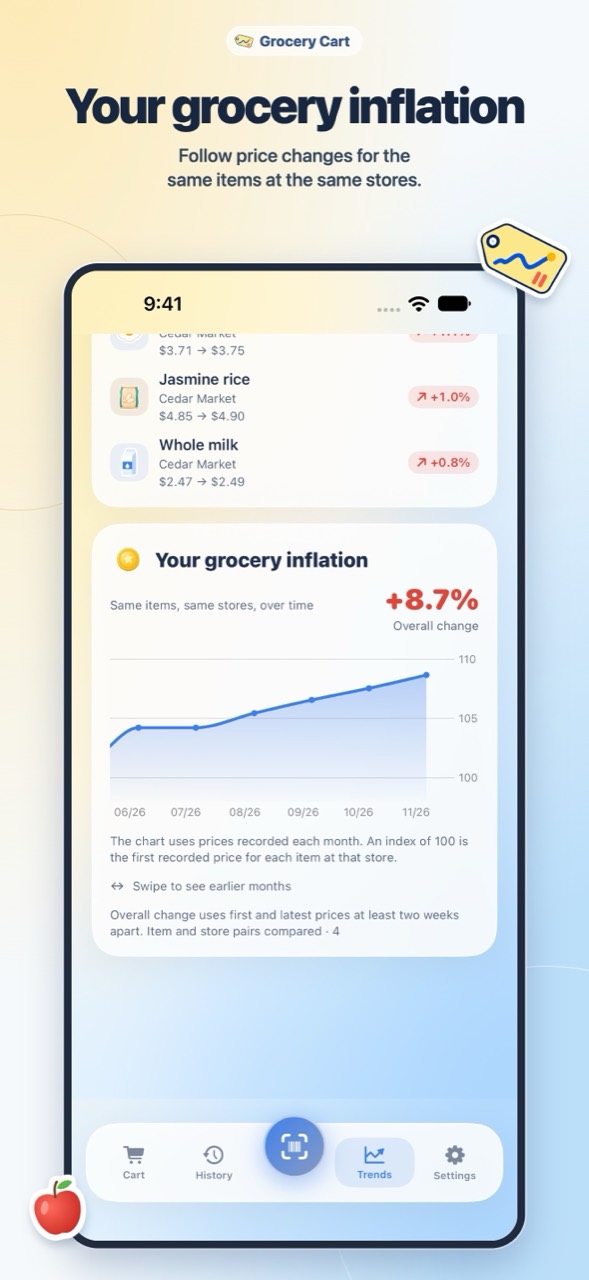
Follow your grocery inflation
Follow price changes for the same items at the same stores in Trends. The chart uses recorded monthly prices, while the overall change compares first and latest prices at least two weeks apart.
Price history
Remember what you paid
Compare the prices you’ve recorded for the staples you buy across trips and stores.
Read the grocery budgeting guide →Shop with your budget in sight
Scan shelf prices and see how much room is left in your budget as you fill your cart.